Grandparents abroad
A hello should not need matching calendars, time zones and a parent’s phone.
Looking for 10–20 beta families
Button Box
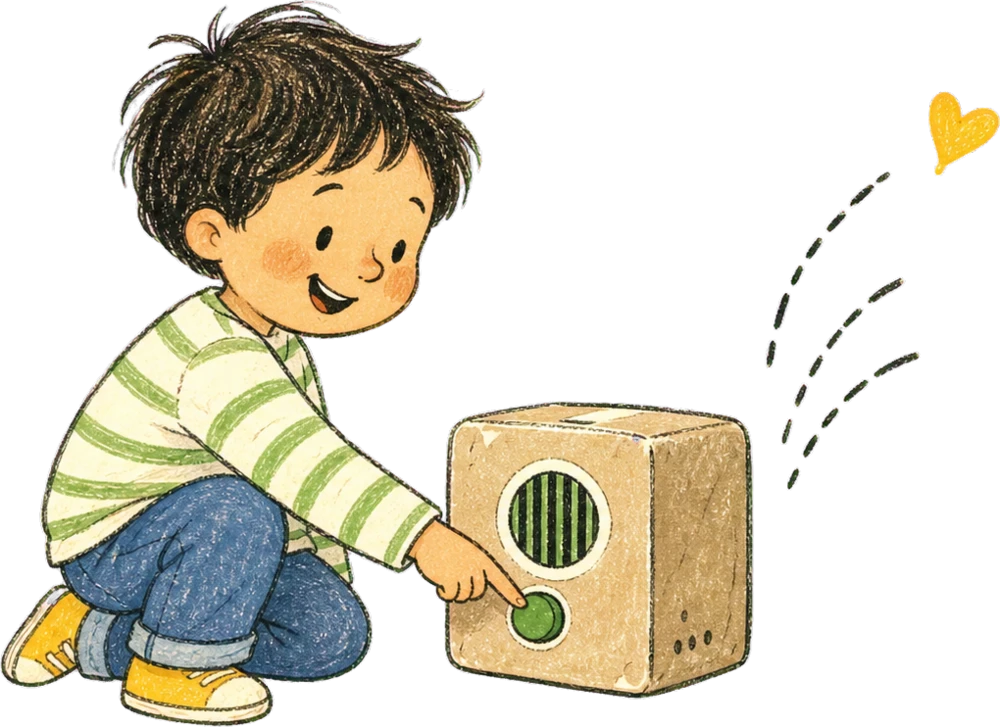
My kids press one giant button to send a WhatsApp voice note to family. Grandparents reply normally. No screen, no scheduled call and no new app.
The real prototype, currently living in our kids’ room.
One need, many families
Button Box began with far-away grandparents, but the same little voice notes can keep many kinds of families close.
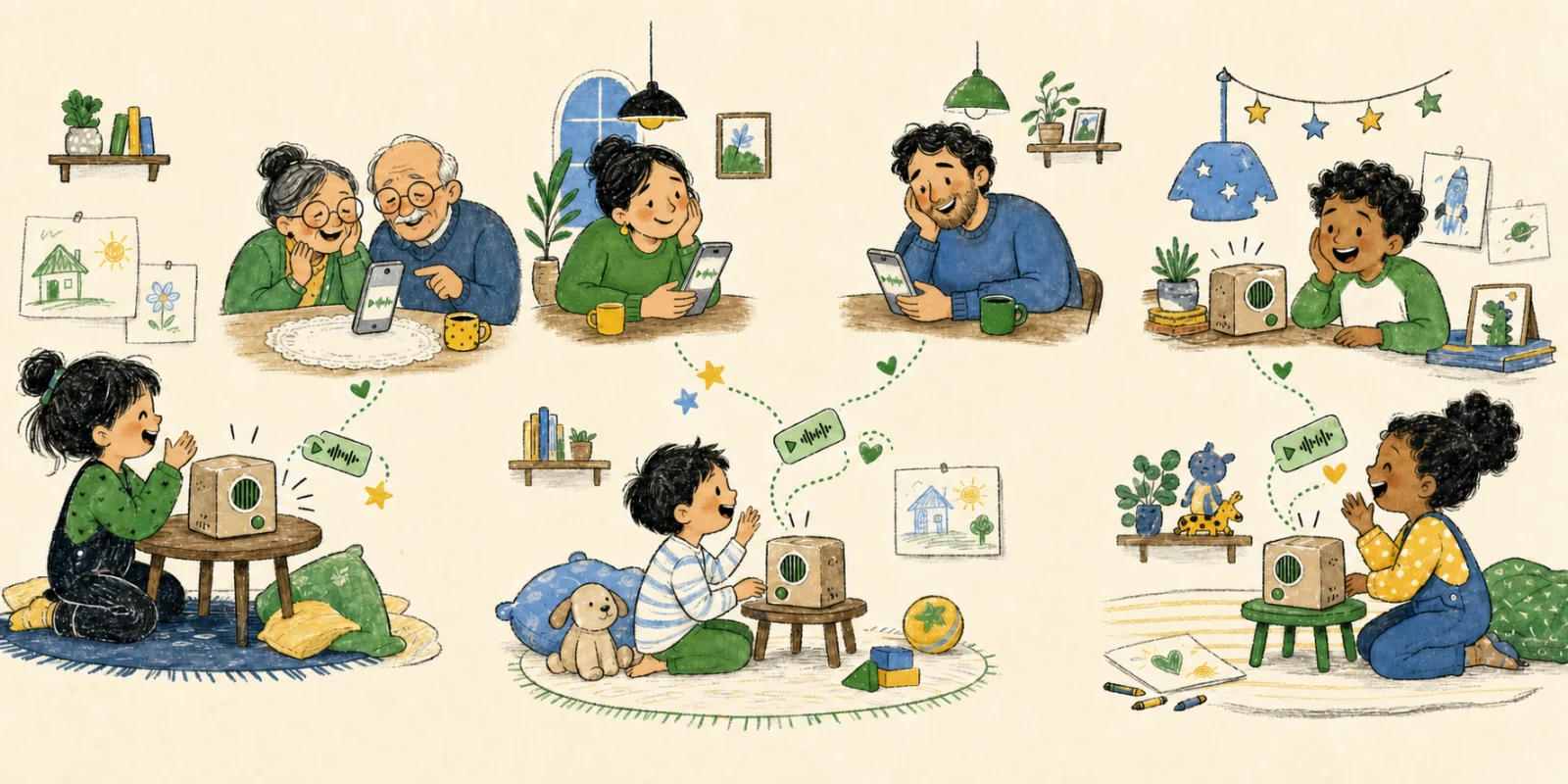
A hello should not need matching calendars, time zones and a parent’s phone.
Children can reach Mum or Dad in their own time, without another adult in the middle.
The family group can hold the funny, ordinary moments that help relationships grow.
The tiny messages
The ordinary things are often what make family feel close. Button Box gives those small, spontaneous moments somewhere to go.
“I drew something.”
“Goodnight, Grandma.”
“I miss you.”
“Listen to this!”
Child-led by design
No asking Mum or Dad. No unlocking a phone. No waiting until everyone is free. They press, talk and let go.
A direct line to someone they love—ready whenever they have something to say.
How it works
It connects to the WhatsApp groups our family already uses, while the kids only see a friendly box in their room.
The kids hold the giant button, say what they want, and let go. Their voice note lands in the family’s WhatsApp.
Grandparents reply with a WhatsApp voice note. They don’t need to install or learn anything new.
The light turns on and the box rings. A quick press plays the messages. If the kids are asleep, they wait for morning.
Made for small hands
They do not need to read, type or navigate anything. The technology stays inside the box so the experience can stay wonderfully simple.
Built for our family
“The kids don’t need another tiny internet rectangle. Their grandparents don’t need another app.”
I built the first one so my kids could talk directly to family who live 4,000 miles away. Right now it is equal parts Raspberry Pi, big blue button, shoebox and optimism.
It works. The kids hear the ringtone and run to their room. Sometimes the button is so big they just use their feet—which is an excellent product decision.
Two ways to bring it home
Most families asked for a physical Button Box. Choose the version that sounds most like your family; neither choice commits you to buy.
Ready to use
For families who want a guided setup and then want to start exchanging voice notes.
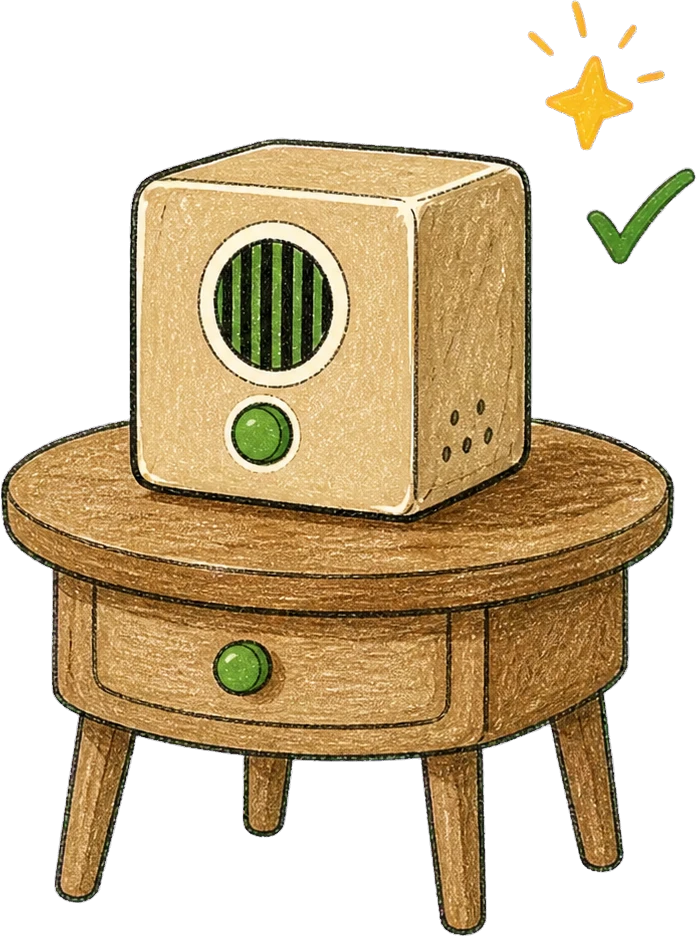 Choose finished box ↑
Build it together
Parts, enclosure and a clear guide for turning the Button Box into a project you make with your kids.
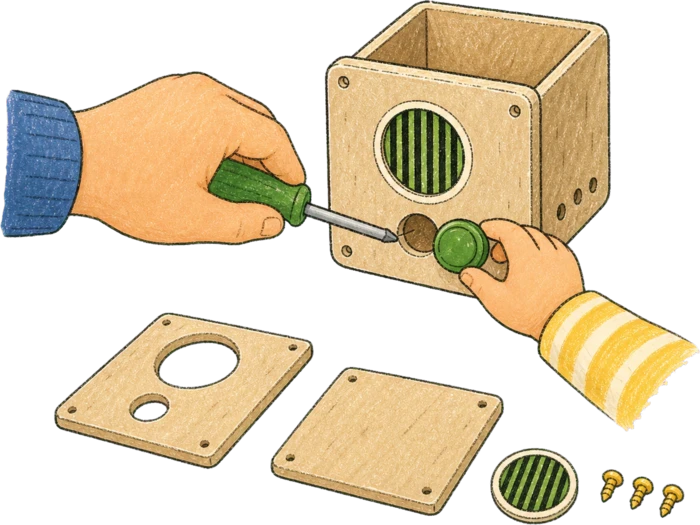 Choose the kit ↑
Prefer to make everything yourself? Join for the blueprint, repo and build notes ↑
Open source
We’re making Button Box open source to help make communication accessible to everyone. Families, makers and communities can build it, adapt it to their needs and help make it better for the next family.
Good questions
This is still an early family-built prototype. Here is what works today—and what is still being figured out.
No. Children use only the physical box: hold the button, talk and let go.
No. Family receives and replies to the voice notes in the WhatsApp they already use.
No. It exchanges voice notes, so nobody has to be available at the same time. When a reply arrives, the box lights up and rings; a press plays the waiting messages.
That is the plan. Instead of choosing from a screen or menu, each person or family group will have a small physical card or tile with their photo on it. The box recognizes it when a child places it on top and says the person’s name out loud. Place Grandma’s token, hear “Grandma,” then hold the big button, talk and let go—the voice note goes to Grandma’s WhatsApp. Swap in Dad’s or the cousins’ token for the next message. These are NFC tokens, using the same kind of tap technology found in contactless cards. The current prototype sends to one fixed family group while I build this recipient selector.
Only the family contacts approved during setup. Messages from unknown senders are not added to the children’s queue.
No. Recording starts when the child holds the button and stops when they let go.
Messages can wait quietly in the queue. The box can hold the ring until morning instead of waking the room.
The exact beta setup is still being designed. The finished version is intended to be guided; the kit will be the more hands-on route.
I want to ship internationally to as many families as possible. Availability will depend on each country’s regulations, certification requirements, carriers and import rules. Join from anywhere and share your country; I’ll confirm that I can ship to you before asking you to commit or pay.
The exact contents are still being worked out. The aim is a ready-to-set-up finished box, or a kit with the parts, enclosure and a clear family build guide.
Pricing is not set yet. Joining the list is free and does not commit you to buy anything. You will see the details before making any decision.
The first small batch
This is not a polished product yet. I’m looking for families who like the idea, are happy to try something early, and will tell me what is confusing, delightful, or broken.
Timing, pricing, setup and international shipping are not decided yet. Joining does not commit you to buy anything; I’ll share those details before asking you to decide.
I’ll be in touch personally as we make progress.
Interested?
Tell me whether you want a kit, a finished box, or just the blueprint and build notes. I’ll keep you close to the build.
Join the list ↑
Builder + dad
About us
I’m a dad of two, and I’m building Button Box in Lisbon so young kids can stay close to the people they love—without borrowing a phone or staring at another screen.
For the past 20 years, I’ve built products around social networks and the ways people connect online. I’ve also always loved tinkering—taking things apart, wiring them back together and seeing if a rough idea can become something real. Button Box began as something I wanted for our own family, and I’m now turning it into something other families can use too.
Get in touch
Send me a note about the project, the beta, or anything else. It comes straight to me.